Legal Answering Service Integrations: Current Status
Legal answering service integrations currently cover Google Calendar booking, while practice-management connections are planned by demand. Your team receives intake summaries to enter into its software. Try the demo to assess the information before changing your workflow.
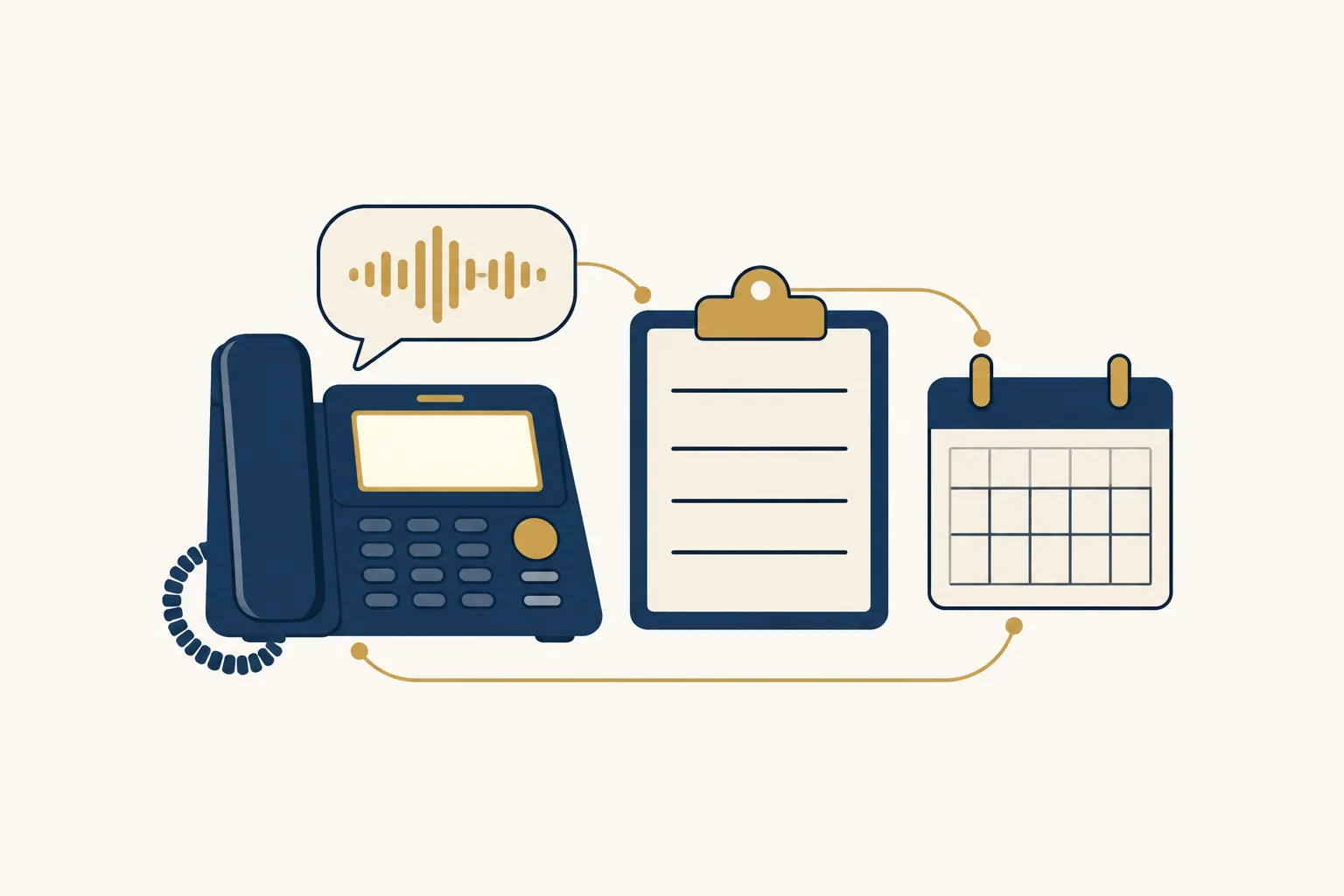
Calendar booking, email summaries and a call dashboard
Your receptionist books consultations into Google Calendar and sends call alerts by email and app push notification. The dashboard holds calls, transcripts, available recordings, usage and settings for your review.
- Calendar bookingArrange consultations in Google Calendar using the appointment instructions you give your receptionist.
- Email deliveryReceive a call summary, urgency tag and transcript, with a recording when enabled.
- Dashboard reviewExamine intake records and change receptionist settings by describing what you want in plain words.
Read more
The current workflow gives your team an intake record to review and a place to book consultations. When a call ends, an email and app push alert bring the result to your attention. A daily digest email helps you review the day's calls.
You can choose to have the receptionist take callback details instead of booking. When recording is enabled, the call record includes audio alongside the transcript and summary. Use the consultation scheduling overview to assess booking, and keep responsibility for entering matter information with your intake team.
Practice-management software: no direct connections yet
We have no live direct connections to practice-management or CRM software. Tell us which product your firm uses and which intake task you want to reduce; planned connections depend on demand.
- Clio statusNeither Clio Grow nor Clio Manage has a live direct connection from us.
- Other platformsMyCase, Lawmatics, Filevine and Smokeball also have no live direct connection from us.
- Further requestsPracticePanther and Lead Docket users can tell us which intake handoff matters most.
Read more
Clio Grow, Clio Manage, MyCase, Lawmatics, Filevine, Smokeball, PracticePanther and Lead Docket are all outside our current direct-connection support. Naming your software helps us understand demand; it does not enable an automatic handoff or place a build on a promised schedule.
For now, your staff reviews the email summary or dashboard transcript and enters the relevant information in your own system. Send your software name and the task you want supported to [email protected]. Explain whether the main need is a new inquiry record, consultation information or a message for an existing matter.
Review each intake before entering it in your software
Your intake team moves the relevant information from our summaries into your practice software. Treat that review as the point to confirm names, distinguish new inquiries from existing clients and assign the next action.
- Start with namesReview the parties collected at intake before adding substantive details to your records.
- Check the transcriptCompare the summary with the caller's words when a name or request needs clarification.
- Assign follow-upRecord the callback or consultation task in the system your team already uses.
Read more
A workable handoff starts with a named person at your firm reviewing incoming call alerts. That person checks the parties' names, contact information, reason for calling and urgency tag, then records what your team needs in its own software.
For an existing client, the next action may be a message to the responsible attorney. For a new inquiry, it may be your conflict review followed by a consultation. The AI can make mistakes, so staff should review the transcript when a summary is unclear. Nothing in this process automatically creates or updates a matter record.
Requests guide which direct connections we plan
We plan direct connections according to demand from firms. Tell us the software you use and the intake task you want supported so we can understand the work a connection would need to handle.
- Name your softwareInclude the product your intake team actually uses rather than a general category.
- Describe the handoffExplain which information your team copies and what it does with that information.
- Assess today's workflowDecide whether the current email and dashboard process suits your firm before subscribing.
Read more
A useful request describes the work behind the software name. For example, tell us whether your team needs to record a new inquiry or pass a callback request to the attorney handling an existing matter. Include the information staff currently enters by hand.
These requests inform our planning by demand. We have no availability date to offer for a particular practice-management connection. Evaluate the present workflow on its own terms, then request a free trial for your intake process if reviewing summaries and entering the details yourself fits your intake process.
Questions
Can the receptionist add an intake directly to Clio or MyCase?
No direct practice-management connections are live. Your team receives the call summary and can review the transcript before entering the information in its software. This manual step also gives your staff a chance to confirm names and decide what belongs in a new inquiry or an existing matter record.
Can it book consultations in Google Calendar?
Yes. Your receptionist can book appointments into Google Calendar using the instructions you provide during setup. If you want staff to arrange the consultation after reviewing the inquiry, choose callback details instead. Calendar booking does not create a matter record in your separate practice-management software.
How will our team receive intake messages?
Call alerts arrive by email and app push notification with a summary, urgency tag and transcript, plus the recording when recording is enabled. You also receive a daily digest email. Your dashboard provides call records for review, alongside usage and settings you can adjust in plain words.
Does an urgent transfer depend on our practice software?
No. You set the on-call person and escalation order in your receptionist's instructions. It can attempt a warm transfer or page for urgent calls. In a warm transfer, your contact hears a short summary before pressing 1 to accept, so the next step does not depend on entering a matter record.
How do we request a connection for the software we use?
Email [email protected] with the software name and a description of the intake handoff you want. Explain what staff copies from a call record and where it goes. We plan connections by demand, so assess the current manual process without assuming a requested connection will be available during your subscription.
Try the intake before changing your workflow
Use the browser demo to hear the questions and review the result. Then request a free trial if the current calendar booking and message handoff fit your firm.
Hear a sample intake Request a trial
Free trial on request: 14 days, up to 100 minutes